

Answer
To disable notifications of individual tickets, proceed as follows:
- Open the desired ticket in the detail screen.
- Click the "No notification" button
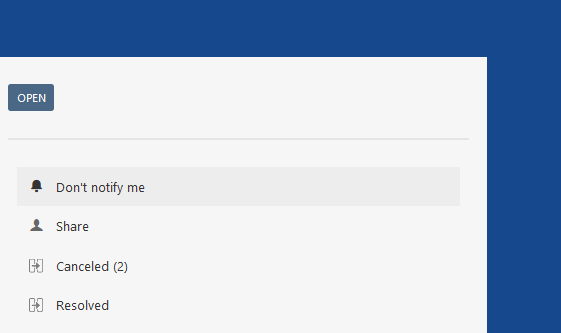
The button changes to "Receive notification.
From this point on, you will no longer receive notifications via Mail.
| Tip |
|---|
You can reactivate the notification by pressing the "Receive notifications" button. |
| Excerpt Include | ||||
|---|---|---|---|---|
|
