

| Info |
|---|
To create a new ticket, you must first log in to the new Service Desk portal. If you have not yet activated your account, follow these instructions → Wie aktiviere ich meinen Account für das Medialine Service Desk Portal? |
Answer
- Visit our new support home page Visit the service desk portal at https://service.medialine.ag/support Press the button "Here's to the new Service Desk Portal!"/jira/servicedesk/customer/portal/18
Log in with your account.
Tip If this is your first time using the service desk portal, activate your account.
Select a suitable request
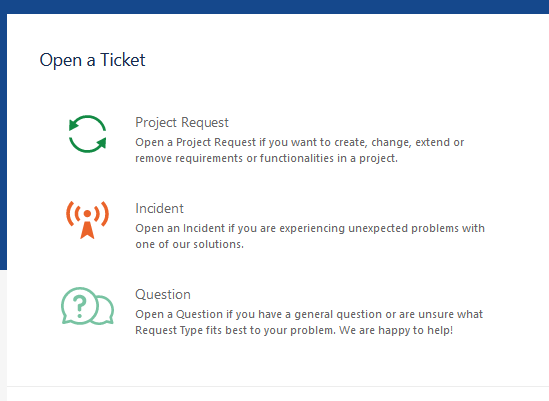
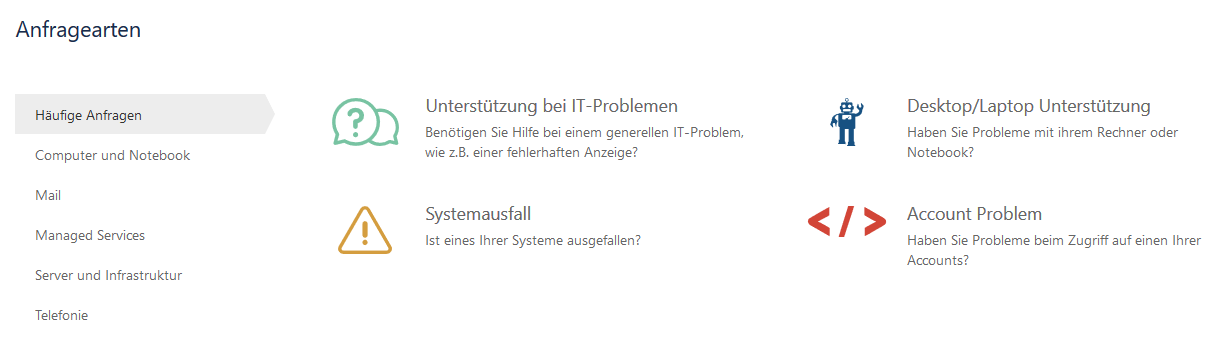
The ticket input screen opens in which all necessary information must be entered:
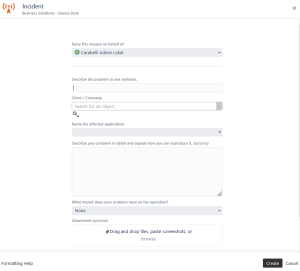
Info Bitte denken Sie daran: Je mehr Informationen Sie uns vorab liefern, desto schneller und besser können wir Ihr Ticket bearbeiten.
Folgende Angaben sind zu treffen:
- Kunde / Firma: Ihr Kundenobjekt ist mittels unseres internen CRM Systems an Ihren Benutzeraccount gebunden, sodass Sie lediglich das Ihnen zugewiesene Objekt zur Auswahl haben.
- Titel: Im Titel geben Sie dem Ticket einen Namen. Der Titel sollte kurz und prägnant gewählt werden, sodass man auf einen Blick erkennt um was es sich bei dem Ticket handelt.
Beschreibung: Im Beschreibungsfeld, beschreiben Sie Ihr Problem möglichst detailliert, sodass so wenig Rückfragen wie möglich offen bleiben.
Welche Auswirkung hat Ihr Problem auf den Betrieb?: In der rechten Spalte können Sie die Definition der Auswirkung einsehen. Bitte treffen Sie diese Angabe wahrheitsgemäß, da wir nur so den bestmöglichen Support ermöglichen können.
- Wie dringend ist Ihr Problem?: In diesem Feld bewerten Sie die Dringlichkeit Ihres Problems. Analog zur Angabe der Auswirkung, finden Sie eine Definition der Dringlichkeit innerhalb der rechten Spalte dieser Seite. Auch bitten wir Sie diese Angabe gewissenhaft einzuschätzen.
- Nennen Sie das betroffene System: Innerhalb dieses Feld können Sie Optional das betroffene System angeben. Dies könnte bspw. ein Hostname oder ein Dienstname sein.
- Anhang: Über das Anhangsfeld, haben Sie die Möglichkeit Screenshots von Fehlermeldungen oder andere Dateien die für die Lösung des Tickets relevant sein könnten, direkt an das Ticket anzuhängen.
Tip Je mehr Informationen Sie uns bei der initialen Erstellung des Tickets übermitteln, desto schneller können wir Ihr Ticket lösen.
Überlegen Sie stets: Wer ist von dem Problem betroffen?, Wie oft tritt das Problem auf?, Wie dringend ist es tatsächlich? & hat es ggf. noch Zeit bis nächste Woche?, Haben Sie Fehlermeldungen die Sie dem Ticket anfügen können?.
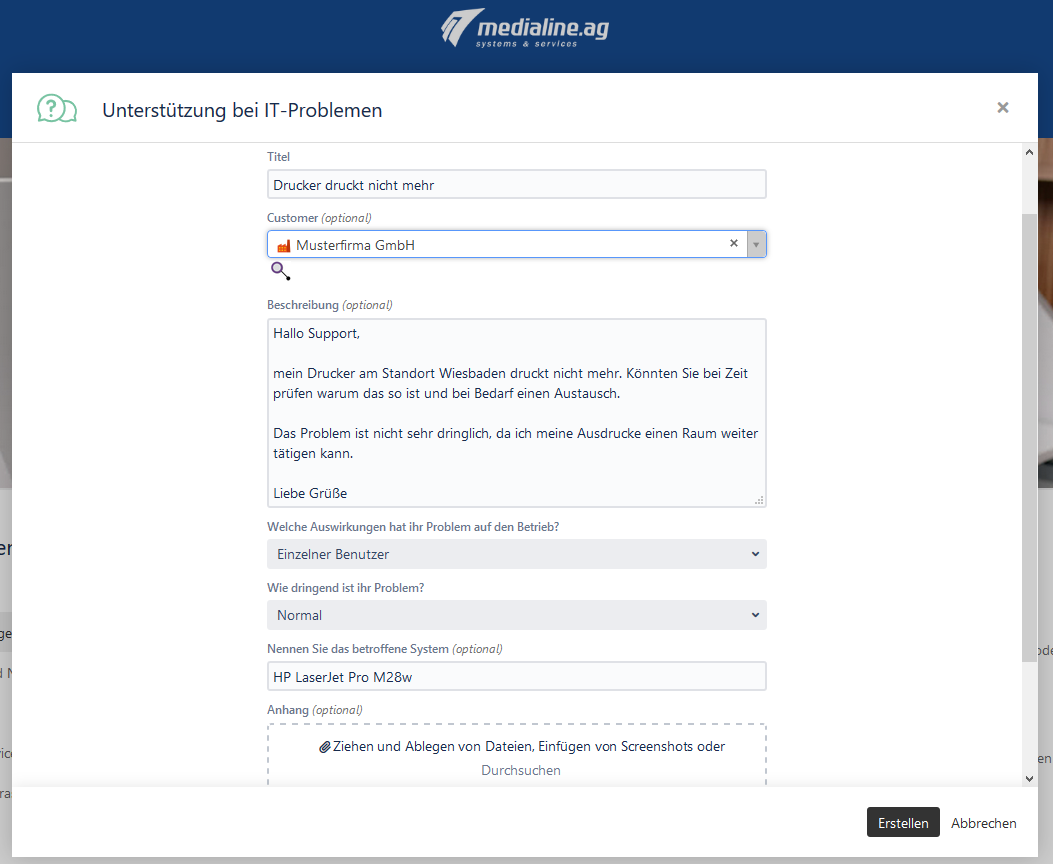
- Bestätigen Sie Ihre Eingaben mit "Erstellen"
- Ihr Ticket wurde angelegt und Sie werden auf die Ticket Detail Ansicht weitergeleitet.
Tip The more information you provide when you initially create the ticket, the faster we can resolve your ticket.
Always consider: Who is affected by the problem? How often does the problem occur? How urgent is it really? & if necessary, can it wait until next week? Do you have any error messages that can be attached to the ticket?
The following information can be provided:
- Title: In the title, you give the ticket a name. The title should be short and concise so that it is clear at a glance what the ticket is about.
- Client / Company: Your Client object is bound to your user account through our internal CRM system, so you only have the object assigned to you to choose from.
- Name the affected application: Within this field, you can optionally specify the affected system. This could be, for example, a host name or a service name.
Description for reproduction: In the description field, describe your problem in as much detail as possible so that as few queries as possible remain open.
What impact does your problem have on the operation?: In the right column, you can see the definition of the impact. Please enter this information accurately, as this is the only way we can provide the best possible support.
- Attachment: Using the attachment field, you have the possibility to attach screenshots of error messages or other files that could be relevant for the solution of the ticket directly to the ticket.
- Confirm your entries with "Create"
- Your ticket has been created, and you will be redirected to the ticket detail view.
| Excerpt Include | ||||||
|---|---|---|---|---|---|---|
|
Definitions:
Priority
- The damage caused by the Incident leads to a complete system shutdown.
- The tasks that cannot be completed by one employee are very time critical.
Operation-critical service/function is no longer available
- The damage caused by the Incident escalates rapidly as it progresses.
- The tasks that cannot be completed by an employee are time critical.
- The damage caused by the Incident increases substantially as it progresses.
- The tasks that cannot be completed by one employee are only moderately time critical.
- The damage caused by the Incident increases only insignificantly as it progresses.
- The tasks that cannot be completed by an employee are not time critical.
| Info | |
|---|---|
|
| |||
|
|
|
- Die Arbeitsfähigkeit mehrerer Benutzer ist eingeschränkt.
- Eine große Anzahl von Kunden ist betroffen und/oder ist in irgendeiner Weise akuten Nachteilen ausgesetzt.
|
|
