

You can share tickets with colleagues in your organization or with your entire organization. However, it is a prerequisite that the people you want to share the ticket with belong to your organization.
To share a ticket, proceed as follows:
- Open the ticket in the detail screen.
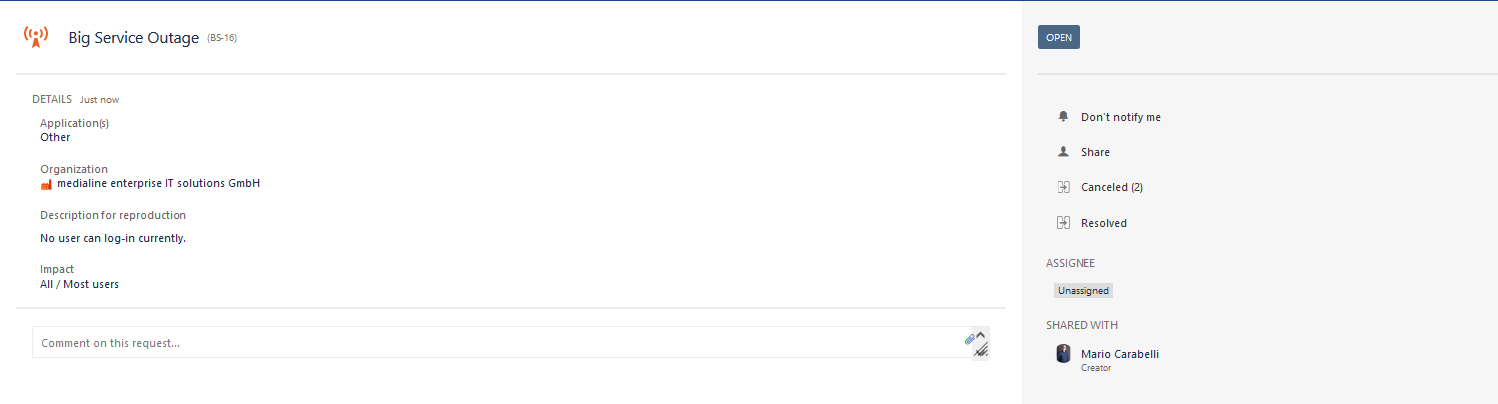
- Click on "Share"
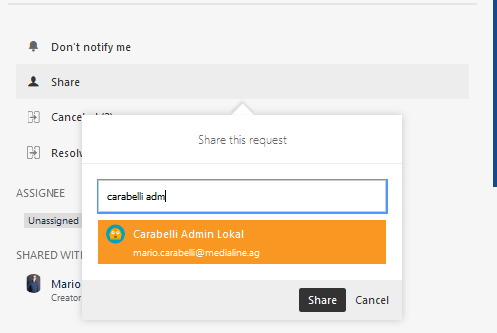
- and enter the desired participant of your organization
- or enter your organization
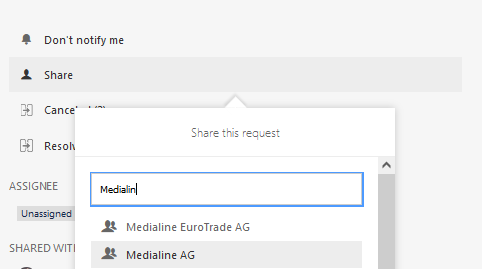
- and enter the desired participant of your organization
| Excerpt Include | ||||
|---|---|---|---|---|
|
| Tip | ||
|---|---|---|
| ||
Share your tickets with your colleagues or your entire organization if you are sure the problem is not unique to you. This has the advantage that your colleagues can see the entire communication flow transparently. Thus, duplicate tickets can be reduced, and your request can be processed with the highest priority. |
