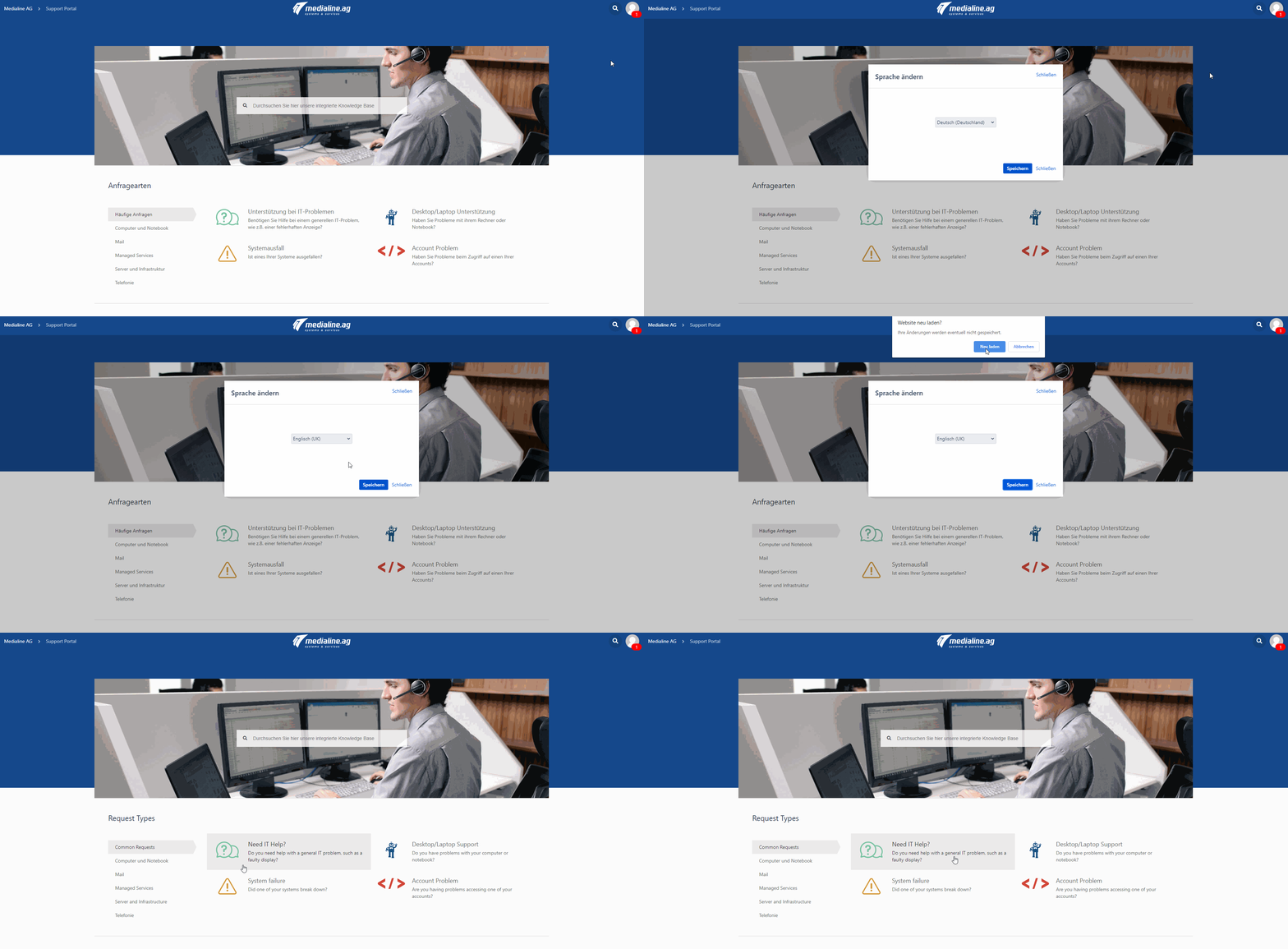
Answer
- Open the Service Desk Portal
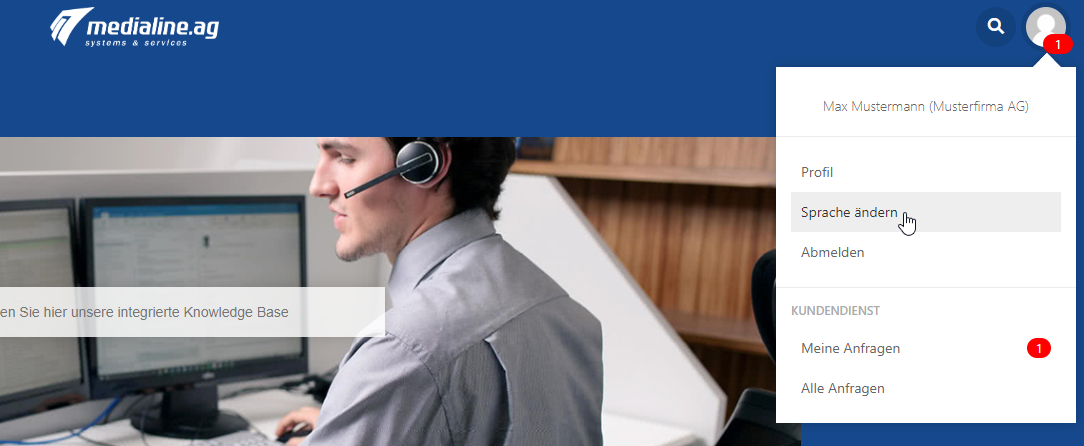
- Click on your avatar in the upper right corner and select "Change language".
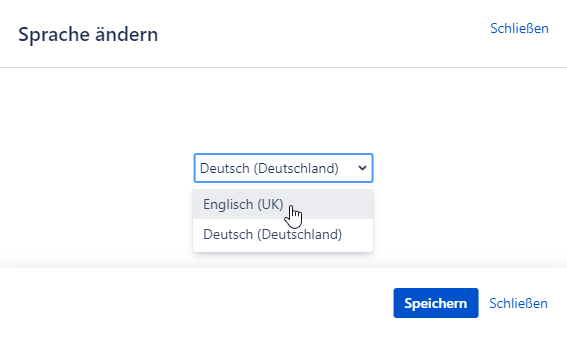
- Select the desired language and confirm with "Save".
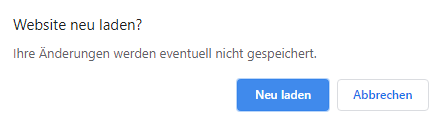
- Depending on the browser you are using, you may need to reload the page.
- For Google Chrome, confirm with "Reload".
- for Mozilla Firefox confirm with "Exit page".

- for Internet Explorer / Microsoft Edge confirm with "Exit page".
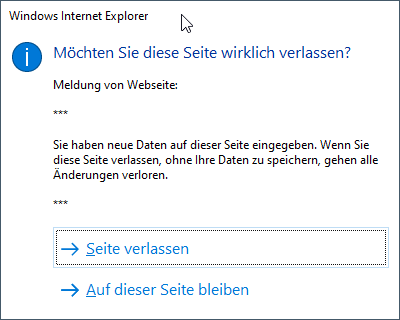
- For Google Chrome, confirm with "Reload".
- After reloading the page, the language is changed.