Answer
To disable notifications of individual tickets, proceed as follows:
- Open the desired ticket in the detail screen.
- Click the "No notification" button
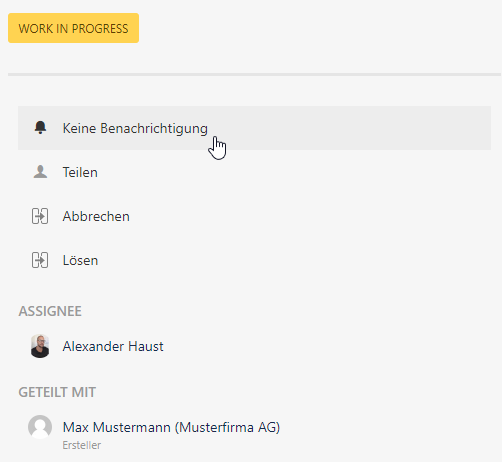
The button changes to "Receive notification.
From this point on, you will no longer receive notifications via Mail.
You can reactivate the notification by pressing the "Receive notifications" button.
|
