1. Option - Directly on the bottom of the serviceportal
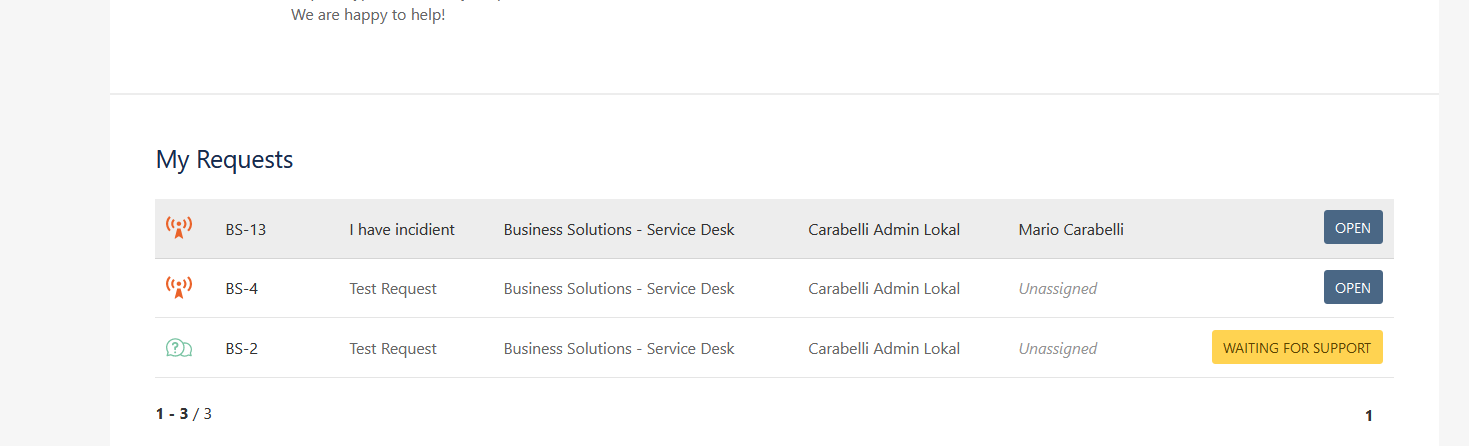
These request lists show all request created at the Medialine Group can be searched and filtered.
2. Option - Profile
In the upper-right corner, you find your profile. A red oval with a number of marks your open requests. By clicking on your profile, you get following options:
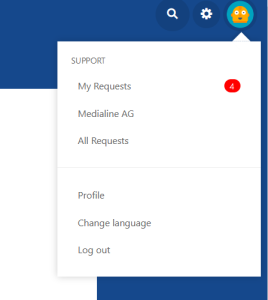
- My Requests
A list of all open requests you created. You can change the filters on top to show more results (i.e. resolved requests) - Organization Requests
A list of all requests shared with all your colleagues with access to our service desk. - All Requests
A list of all requests visible to you