

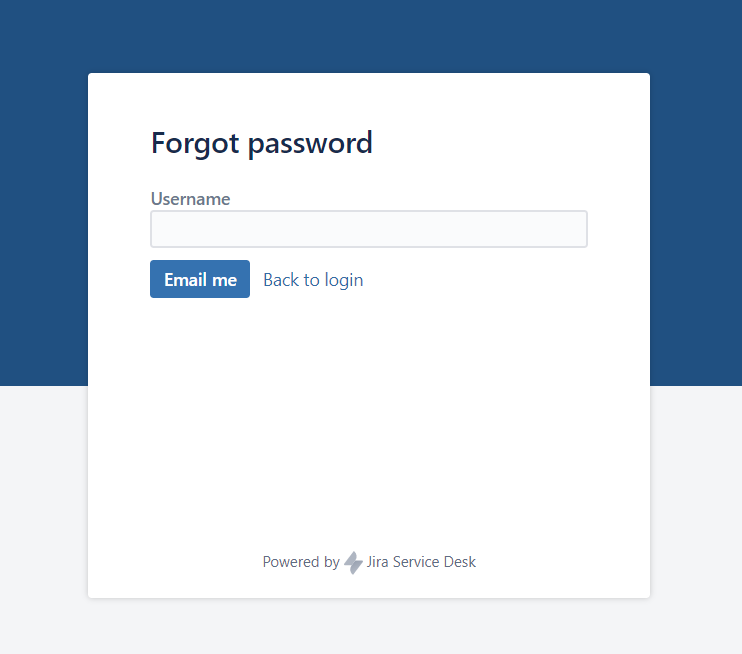
- Accesați https://service.medialine.ag/jira/servicedesk/customer/portal/18/user/forgotpassword
- Introduceți adresa de email în câmpul " Username" și faceți clic pe "Email me".
- După ce e-mailul a fost trimis cu succes, apare următorul mesaj:
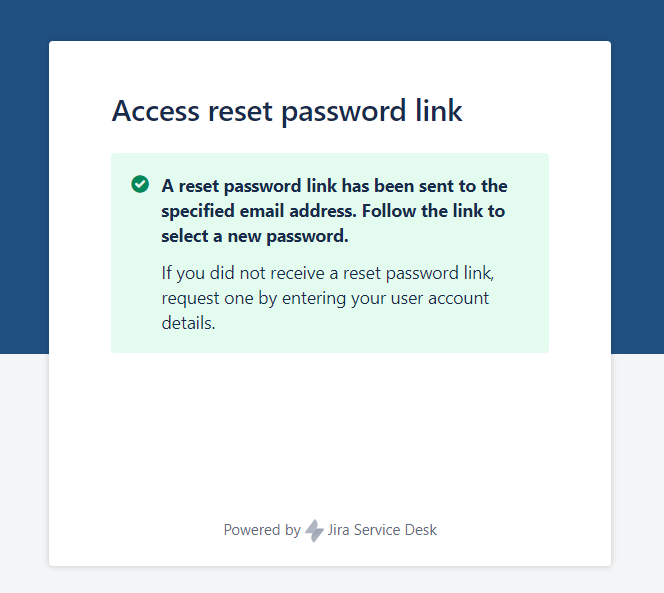
Open your email and check the inbox and follow the instructions within this email.
If you do not receive an email, please check your spam folder.If the email did not end up in the spam folder either, please contact us using the adjacent contac
o English.
t information.
Create your new password and confirm by clicking "Create".
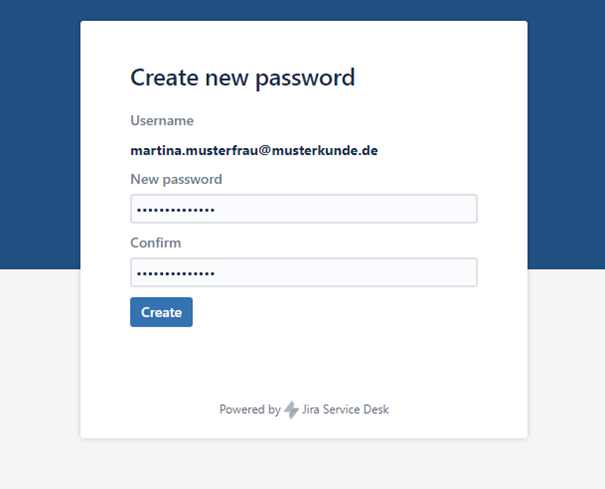
The password must consist of at least 8 characters (at least 1 capital letter & 1 number or 1 special character).
Not sure if you have been added as a contact?
Please contact your respective contact person at Medialine Group if you are not certain whether you have access to the portal.
If you would like to request portal access, the following information is required from you:
- First name
- Last name
- Company
- Position
- Telephone number
- Mobile phone number (optional)
- Email Address
